
How exactly does Curate work?
Curate software automatically goes to the individual websites of counties, cities, towns, and villages, (also including any committee or commission as well) and identifies newly posted meeting minutes or agenda documents. Our technology is able to capture only the most relevant snippet of discussion from that document using artificial intelligence, called natural-language processing. In other words, our technology looks through these documents for specific topics in context surrounding discussions about local issues, just like a human would, only much faster!
How often can I expect new data?
We pull new information for you daily. In this scan, we pick up any new data that is posted. After we refine the result to your specified topic interests, you will receive an email letting you know there is new data in your dashboard. If you want to receive emails more frequently, visit the Data Timing article
What types of documents can I expect to see in my report?
Curate pulls minutes and agendas posted for meetings happening in your chosen geographic area.
These documents may also be referred to as the following: Agenda, Minutes, Journals, Summaries, Reports, Meetings, and Sessions.
What types of meetings are you pulling from?
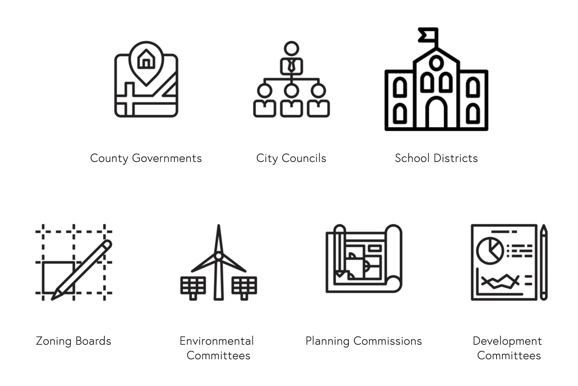
Curate standardly pulls data from the following meeting types, for locations over 2k in population.
- City Councils
- Planning Commissions
- Water and Utilities
- Ad Hoc Committees
- Districts (Enhanced Feature)
- School Boards (Enhanced Feature)
Comments
Article is closed for comments.